Hear the original first.
Subasee doesn't dub or change the sound. Laughter, pauses and tone of voice stay exactly as they are.
 Subasee.
SEE BEYOND LANGUAGE.
The videos and streams you love shouldn't stop at a language barrier. Subasee keeps the original audio and creates original and translated captions live on your Mac or iPhone.
01 — HOW IT FEELS
Subasee doesn't dub or change the sound. Laughter, pauses and tone of voice stay exactly as they are.
Intro music and quiet moments may have no captions. Subasee prepares captions when speech is available.
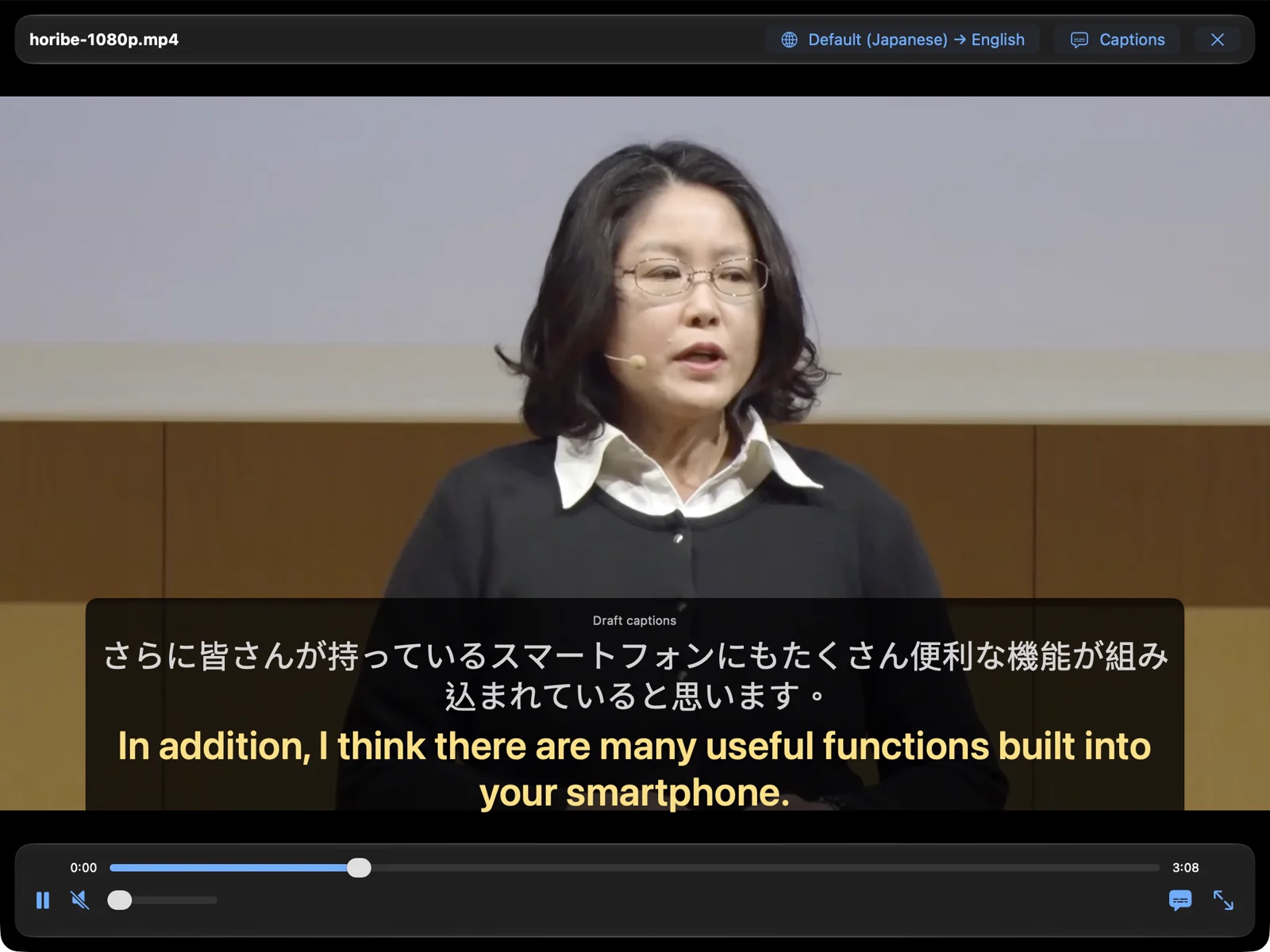
White is the original, yellow is the translation. To focus on listening, show only the translation or only the original.
02 — MADE FOR WATCHING

Translations are sun yellow, so they stand apart from the original at a glance, or switch to classic white. Size and position are adjustable.
Recognition and translation happen on your device. No uploading videos to the cloud for captions, and no account to create.
On-device · videos are never uploaded
Local videos get translated captions offline. Just prepare the video and the languages you need before you go.
Your favorite streamer goes live to chat and play. To keep captions complete, the picture runs a little behind the stream.
Practice listening with videos you love. The original stays on screen while the translation confirms the meaning.
All-hands, product launches, training videos. Captions are made on your device, so videos never need to be uploaded.
03 — THE REAL THING
These are actual screenshots of Subasee running on a Mac. Captions were generated live by the app and not edited afterward.
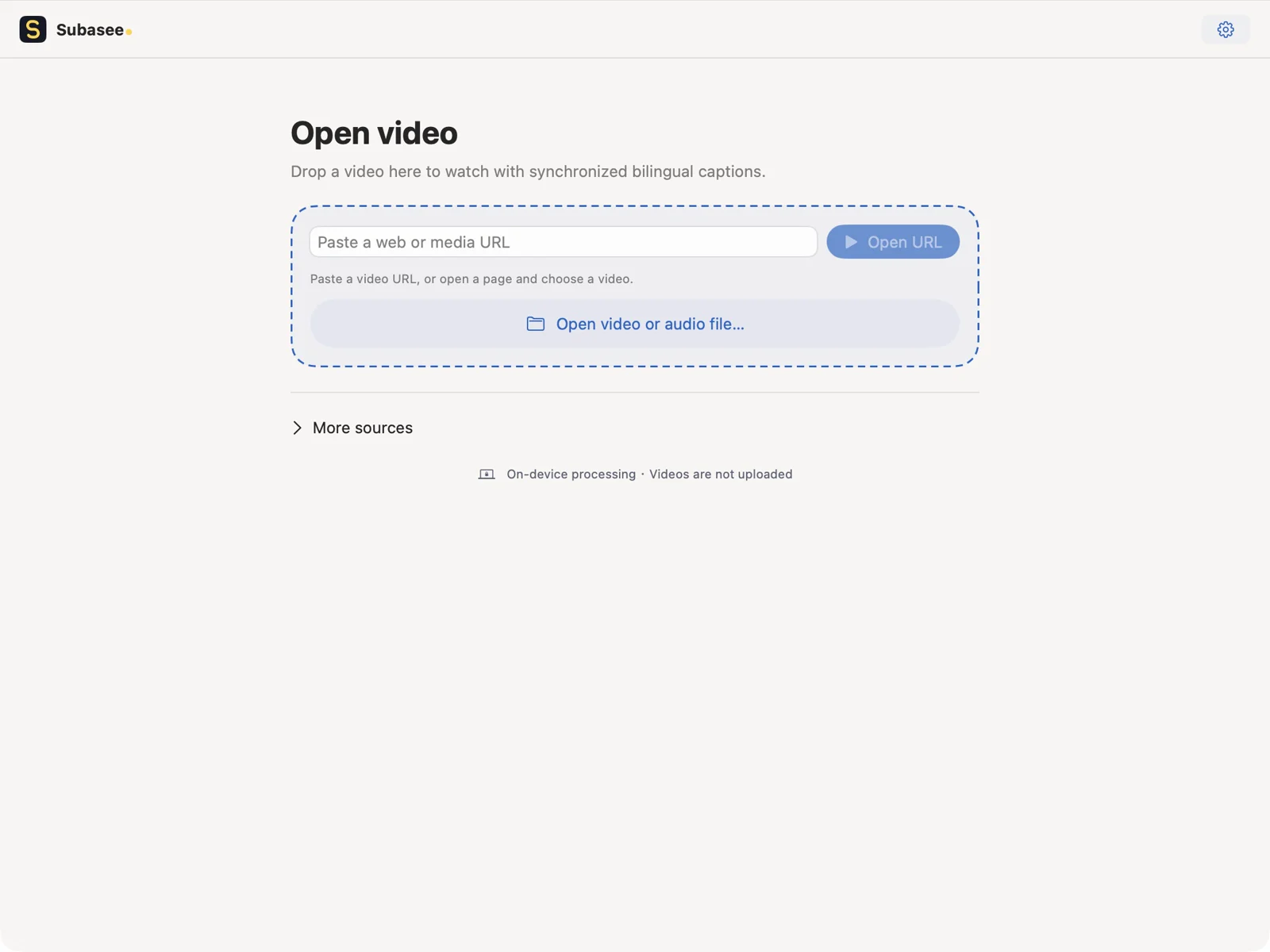
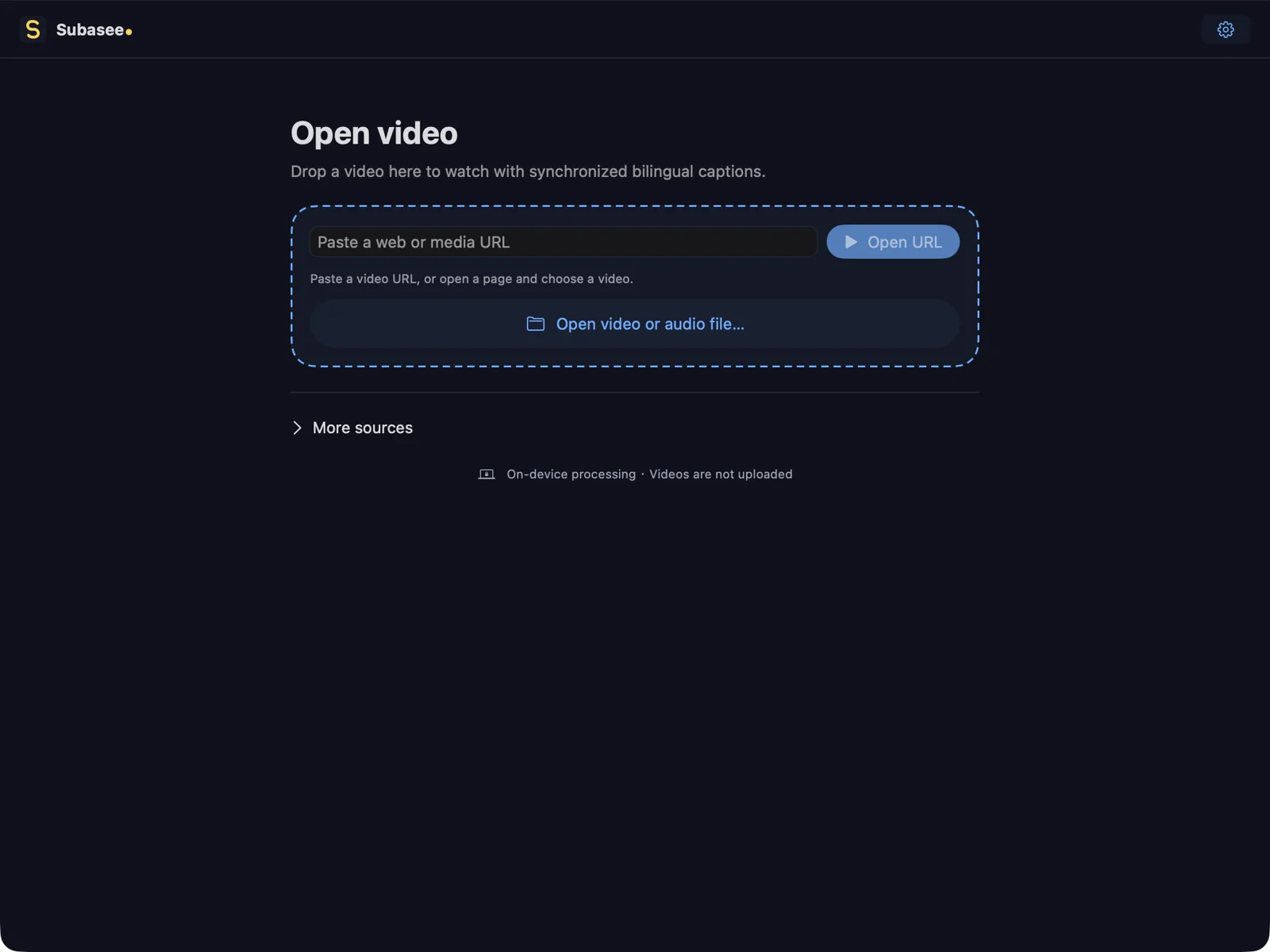
Paste a link, or choose a video or audio file on your device. Web pages open first so you can pick the media that can be imported.
Pick the language you want to read. The first time, follow the prompt to prepare it.
Captions appear as soon as they're ready. Adjust their size and position anytime.
05 — AVAILABLE IN TAIWAN
Subasee for Mac and iPhone is now available on the Taiwan App Store. Download for free and unlock it with an App Store subscription. See the store for pricing, trial eligibility and subscription terms.
Requires macOS 27 or later and a Mac with Apple silicon (M series).
iPhone requires iOS 27 or later.
Downloading for free never starts a subscription or charge on its own.
The Mac and iPhone versions are now available on the Taiwan App Store. Choose the download link for your device on this page. See the App Store for pricing, trial eligibility and subscription terms. There is no payment or subscription on this website.
No. Recognition and translation happen on your device. Some languages need a model download the first time, and buying a subscription needs a connection.
Local videos support offline translated captions. Prepare the video and download the languages you need before you go. Online videos, live streams, first downloads and purchases still need a connection.
Yes. To keep captions complete, synchronized viewing reserves preparation time, so the picture runs behind the source. The delay depends on the source, your device and processing speed. Whether a stream works also depends on the platform; protected or restricted streams may not play.
Not always. Importing depends on how the source plays, whether the media is readable, and device support. Protected or unreadable sources may not import.
Captions come from speech recognition and translation. Accents, background sound, names and context can affect results, so use them together with the original audio.
You can play files or links you're allowed to watch. Captions are generated on your device and videos don't need to be uploaded; follow your company's security policy for work devices.
Available for Mac in Taiwan・Available for iPhone in Taiwan
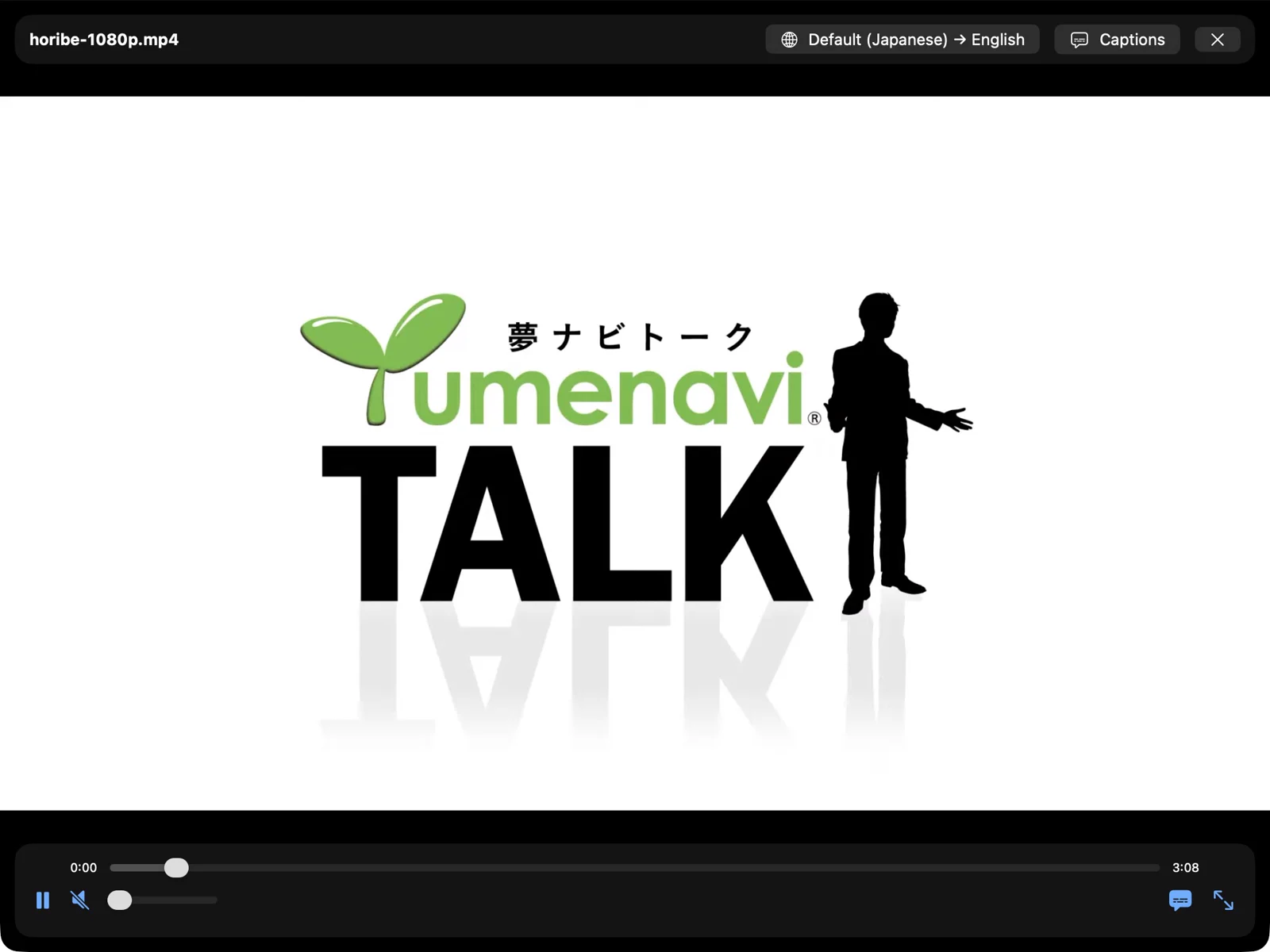
Converted and renamed to the talk's title, played in Subasee with captions generated live by the app; the recordings on this page are excerpted, cropped to remove the window title bar, and re-encoded. No endorsement of Subasee by the authors or speaker is implied.
“Caption appearance” uses an original illustration and written sample lines; every other product image is a real screenshot or recording.
May we use Google Analytics to understand visits, demo viewing and store-link clicks? You can decline and keep browsing, or change your choice in the footer. Privacy policy